
Google Search Arrives on Windows
Most people access Google’s search and AI tools through a web browser, but desktop users have some exciting new options.
Google has officially launched two highly anticipated standalone tools: an integrated Google Search app for Windows and a native, feature-rich Gemini app for macOS. Both applications are designed to bring Google’s ecosystem straight to your desktop without requiring an open browser tab.
The “Google app for desktop” first landed on Windows in a rough beta version last September. Early builds suffered from a flawed update mechanism that frequently forced users to manually uninstall and reinstall new builds. Fortunately, those early bugs have been ironed out for the official release, which is now officially available.
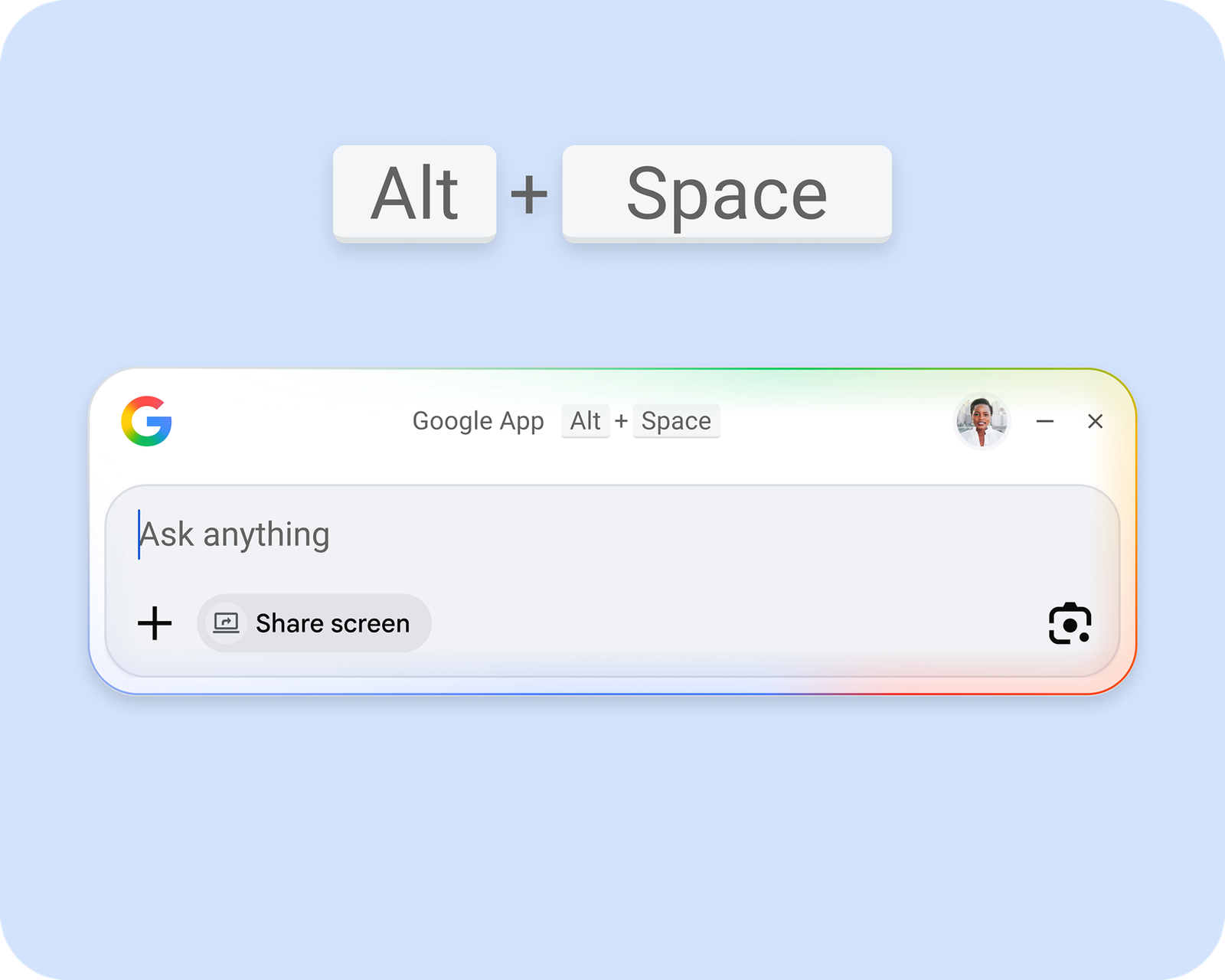
The Google app can search the web or your PC. Credit: Google
Key Features on Windows:
Instant Access: You can summon the Google app at any moment by pressing
Alt + Space. A compact, floating search UI will appear over your active windows, allowing you to instantly search the web or your local storage.Local & Web Search: With the proper authorization, the app seamlessly searches your local files and applications alongside standard web queries.
Familiar Interface: Web results mimic the browser experience perfectly, fully integrating features like AI Overviews and AI Mode.
Screen Context & Google Lens: A built-in Lens button allows you to highlight any portion of your screen to trigger an instant visual search. You can also share your entire screen, or a specific window, to provide direct context for your queries.
System Requirements: The Google Windows app requires Windows 10 or 11 and currently only works in English. While you can use it without logging in, signing into your Google account unlocks the full suite of features. It is available for download from the new dedicated landing page.
The First Dedicated Gemini App Comes to Mac
While macOS doesn’t get a standard Google search app just yet, Google has prioritized Apple hardware for its first-ever standalone Gemini desktop application, which is available widely today.
According to Google’s Josh Woodward, the project was fast-tracked by a small team in response to overwhelming user requests, taking less than 100 days to deliver over 100 native features to Mac users.
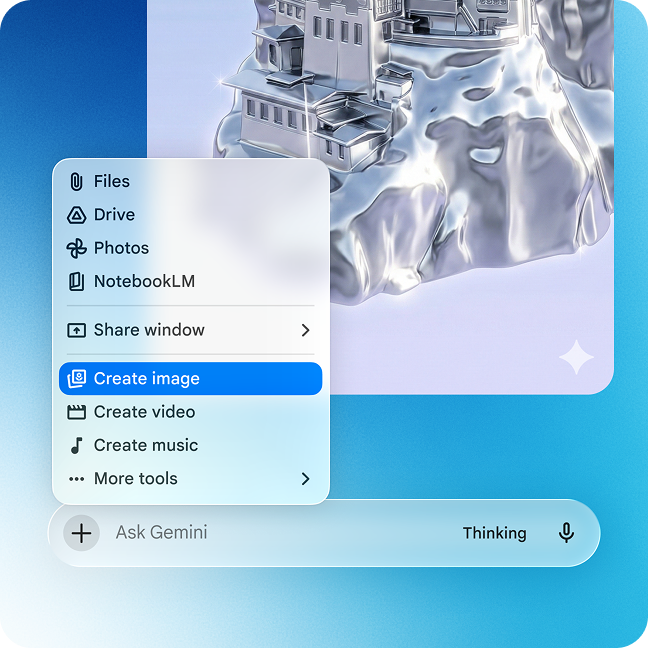
Gemini for Mac has just about every feature of Gemini on the web. Credit: Google
Key Features on Mac:
Keyboard Shortcut: Similar to the Windows app, hitting
Option + Spacepulls up a clean, dedicated Gemini prompt bar anywhere on your desktop.Screen Awareness: The app can analyze your active windows to provide smart, context-aware answers to your questions, keeping a heavy focus on AI assistance.
Built for macOS: Fully coded in Apple’s native Swift language, the application feels incredibly fast and responsive.
Full Feature Parity: Unlike stripped-down mobile versions, the Mac app includes advanced capabilities right on your desktop. You can upload files, create notebooks, and access tools like Deep Research and Canvas. It also handles image-, video-, and music-generation models seamlessly.
A Quick Catch on Distribution
If you prefer downloading apps exclusively through the official Mac App Store, Google’s distribution method might be a minor inconvenience. To install Gemini, you will need to download the .dmg file directly from Google’s website. On the plus side, the Mac app is fully available across all regions and languages that currently support Gemini.